
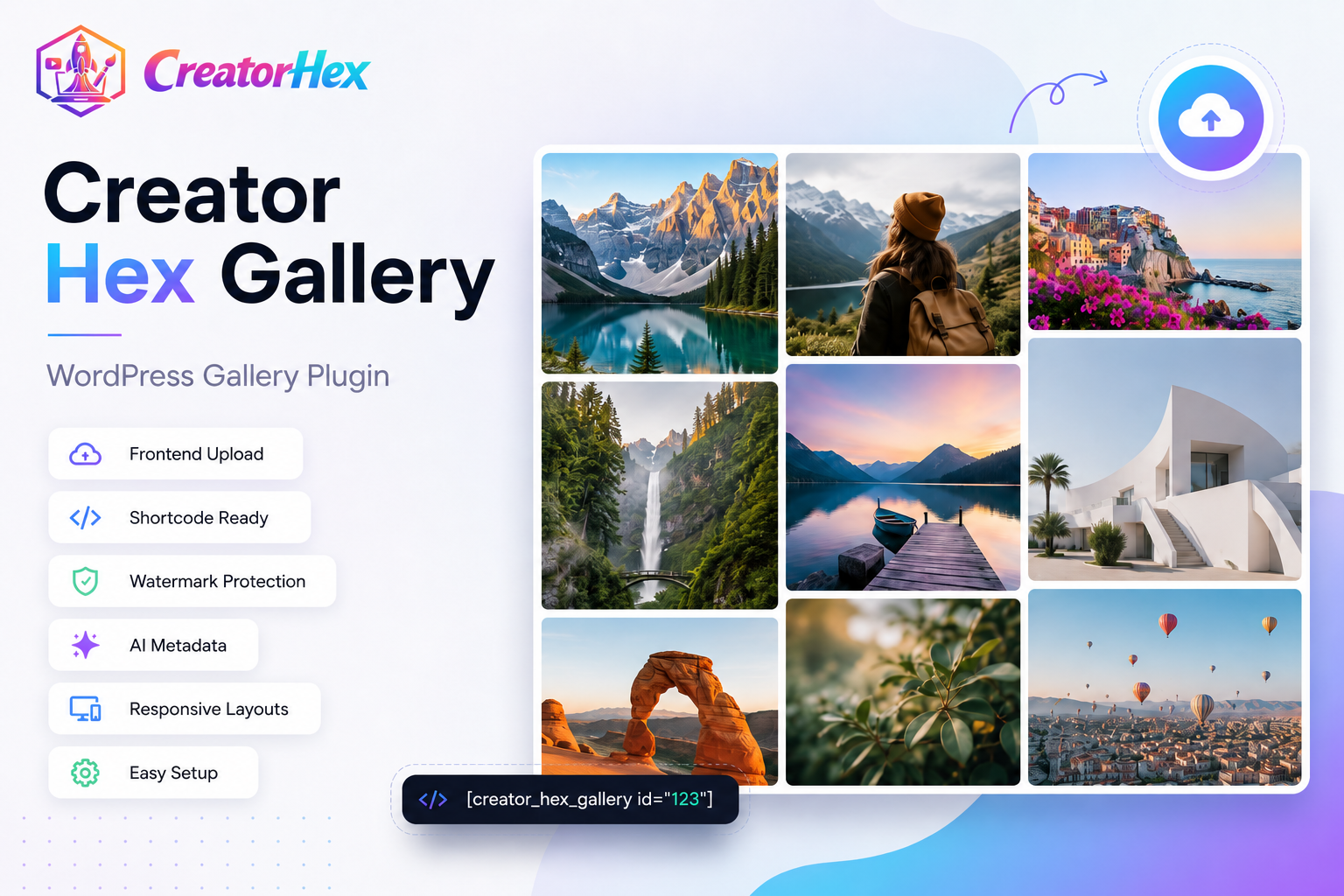
Creator Hex Gallery Plugin — 1 Year License
$19.00
A lightweight WordPress gallery plugin with frontend upload, shortcode-ready layouts, watermark protection, gallery categories, and AI metadata tools. Includes 1-year license for 1 website activation.
Description
Creator Hex Gallery – WordPress Gallery Plugin
Creator Hex Gallery is a lightweight WordPress gallery plugin built for creators, photographers, agencies, portfolio websites, and image-based businesses that need a clean way to upload, organize, protect, and display image galleries.
This WordPress gallery plugin helps you create responsive galleries, manage gallery categories and tags, upload images from the frontend, protect public previews with watermark copies, and generate AI-ready metadata for gallery images.
What You Get
- Creator Hex Gallery plugin ZIP file
- 1-year license key
- 1 website activation
- Frontend gallery upload page
- Shortcode-ready gallery display
- Responsive gallery layouts
- Gallery categories and tags
- Watermark preview protection
- AI metadata generation tools
- Updates during the active license period
Key Features
Frontend Gallery Upload
Creator Hex Gallery includes a frontend upload system so approved website users such as admins and editors can upload gallery images without working directly inside the WordPress dashboard.
Shortcode Gallery Display
Display your galleries anywhere on your WordPress website using simple shortcodes. This makes it easy to add image galleries to pages, posts, landing pages, portfolio sections, and client showcase pages.
Responsive Gallery Layouts
The plugin is designed to display clean and responsive image galleries that work across desktop, tablet, and mobile screens.
Watermark Preview Protection
Creator Hex Gallery can generate public watermarked preview copies while keeping your original uploaded images untouched. This is useful for photographers, designers, stock creators, and portfolio websites that want to protect preview images.
AI Metadata Tools
The plugin includes AI metadata tools that can help generate image titles, alt text, short descriptions, tags, and suggested category notes from the featured image. AI metadata generation requires your own configured Gemini API key.
Gallery Categories and Tags
Organize gallery items using categories and tags so your image collections stay easier to manage as your website grows.
How It Works
- Purchase and download the plugin ZIP. After checkout, your WooCommerce order page will show the plugin ZIP download.
- Copy your license key. Your license key will be shown near the order/download details after purchase.
- Install the plugin in WordPress. Go to Plugins → Add New → Upload Plugin and upload the ZIP file.
- Activate your license. Open Creator Hex Gallery → License and paste your license key.
- Create your gallery. Upload images, organize them with categories and tags, and display them using shortcodes.
Who Is This Plugin For?
- Photographers who want protected gallery previews
- Creative agencies managing portfolio galleries
- Designers and stock asset creators
- Event, wedding, and invitation businesses
- WordPress website owners who need a simple gallery workflow
- Creators who want AI-assisted image metadata
License Details
This product includes a 1-year license for 1 website activation. During the active license period, you can use the licensed features of Creator Hex Gallery, including frontend upload, settings changes, watermark tools, and AI metadata tools.
Existing published galleries continue displaying after license expiry. However, uploads, settings changes, watermark tools, and AI metadata tools require an active license.
Important Notes
- This is a digital WordPress plugin product.
- You will receive a downloadable plugin ZIP file after purchase.
- You will receive a license key after purchase.
- The license is valid for 1 website activation.
- AI metadata generation requires your own Gemini API key.
- Your original uploaded images remain untouched when watermark previews are generated.
Support
For installation help, license activation help, or technical support, contact us at support@creatorhex.com.
Refund Policy
Because this is a downloadable digital product, refunds are only considered for genuine technical issues that cannot be resolved. Please contact support if you face a problem with installation, activation, or plugin functionality.
Frequently Asked Questions
Is Creator Hex Gallery a WordPress gallery plugin?
Yes. Creator Hex Gallery is a WordPress gallery plugin that you install on your WordPress website using the plugin ZIP file.
Do I get a license key after purchase?
Yes. After checkout, your WooCommerce order page will show your plugin ZIP download and your Creator Hex Gallery license key.
Can I use this plugin on multiple websites?
This license includes 1 website activation. For more websites, you need additional licenses.
What happens after my license expires?
Existing published galleries continue displaying. However, uploads, settings changes, watermark tools, and AI metadata tools require an active license.
Does the plugin modify my original images?
No. The watermark system creates public watermarked preview copies while keeping your original uploaded images untouched.
Does AI metadata work automatically?
AI metadata tools require your own Gemini API key and model configuration inside the plugin settings.
Get Creator Hex Gallery
Creator Hex Gallery is a practical WordPress gallery plugin for creators who want frontend uploads, shortcode-ready gallery display, watermark preview protection, and AI-assisted image metadata in one simple plugin.
Additional information
| License | 1 Year |
|---|---|
| Sites | 1 Website |
| Product | WordPress Plugin |
| Delivery | Digital Download |

Reviews
There are no reviews yet.